Geetest v3 Solver
High-accuracy solution for Geetest v3 captchas of any difficulty.
CaptchaAI is a powerful GeeTest v3 solver for developers and automation systems. Easily solve GeeTest v3 CAPTCHA challenges and bypass GeeTest v3 verification in protected workflows with our GeeTest v3 solving service, offering stable token generation and scalable concurrency.
- > 99.9% success rate
- Thread-based subscription
- Monthly subscription
- Per 1,000: As low as $0.008
- No per-captcha billing
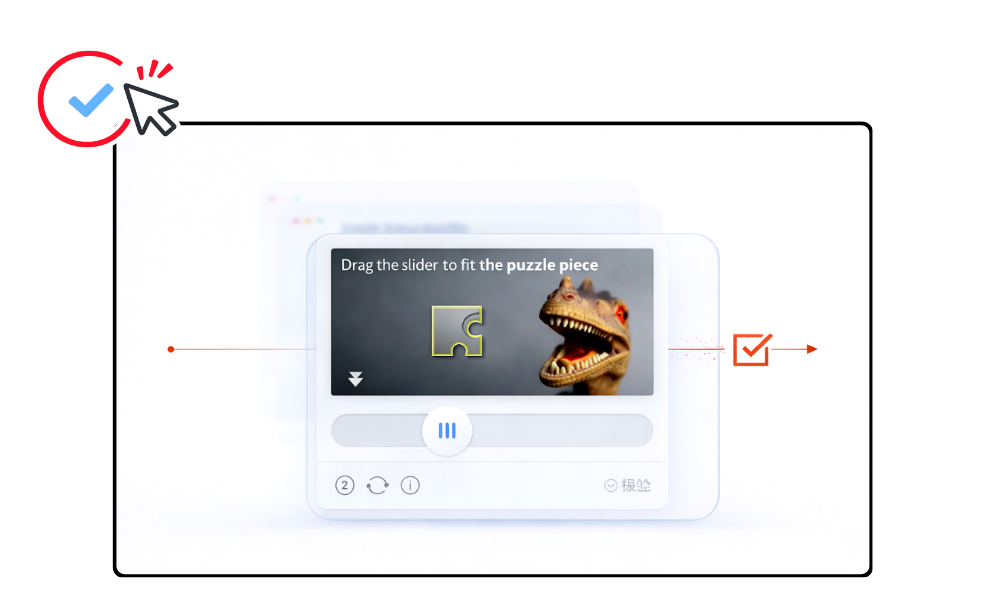

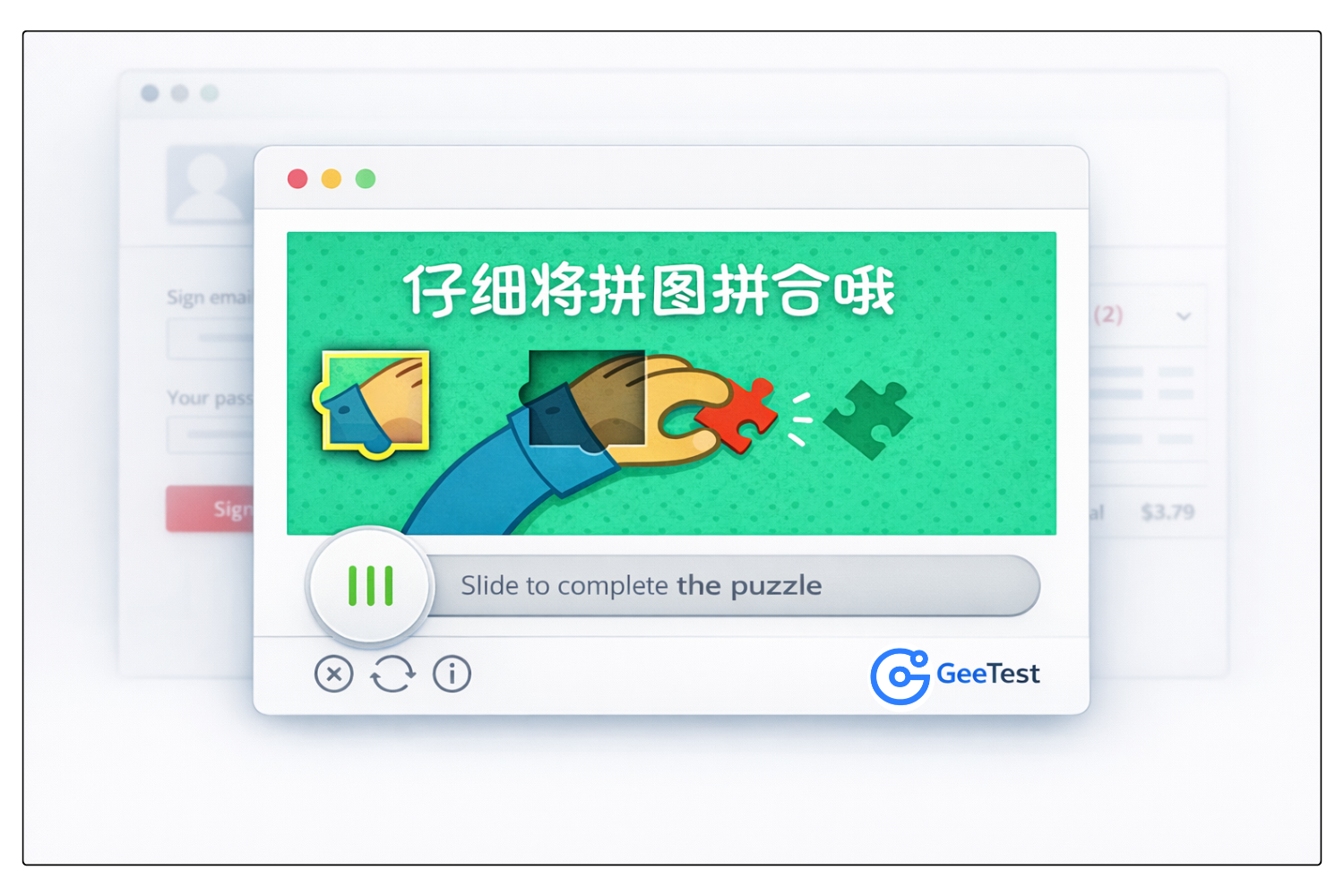
What is GeeTest v3?
GeeTest v3 is an advanced verification system designed to protect websites, mobile apps, and APIs from bots, abuse, and fraudulent automated traffic. Instead of relying on traditional question-and-answer CAPTCHA logic, GeeTest v3 analyzes user interaction and behavioral signals to distinguish legitimate users from bots more accurately while reducing friction for real visitors across flows such as registration, login, SMS requests, campaign pages, comments, and other sensitive actions.
A professional GeeTest v3 solver allows automation systems to solve GeeTest v3 verification challenges programmatically using an API. This helps bots, scripts, and browser automation tools obtain valid GeeTest v3 responses efficiently and continue protected workflows without manual interaction.
How to Solve Geetest v3
CaptchaAI provides automated Geetest v3 solving for developers and automation systems.
Our Geetest v3 solver allows you to solve Geetest v3 and bypass Geetest v3 verification using a simple API workflow.
Step 1: Extract Geetest Parameters
Find the dynamic Geetest parameters from the target site, typically in the initGeetest function:
Parameters to extract:
- gt - Public site key (usually static)
- challenge - Dynamic token loaded with the CAPTCHA (must be fresh)
- pageurl - Full URL of the current page
- api_server - Optional: API server location (e.g., api-na.geetest.com)
⚠️ CRITICAL: The challenge becomes invalid once loaded or after a timeout. Always get a fresh challenge immediately before solving.
Step 2: Submit the Task to CaptchaAI
Send a GET request to https://ocr.captchaai.com/in.php with the Geetest parameters:
import requests

# Submit the captcha task
params = {
    'key': 'YOUR_API_KEY',
    'method': 'geetest',
    'gt': 'f1ab2cdjja3456116012345b6c78d99e',
    'challenge': '12345678abc90123d45678ef90123a456b',
    'api_server': 'api-na.geetest.com',
    'pageurl': 'https://example.com/page',
    'json': '1'
}

response = requests.get('https://ocr.captchaai.com/in.php', params=params)
result = response.json()
task_id = result['request']
print(f"Task ID: {task_id}")
Step 3: Retrieve the Solution
Wait 15-20 seconds, then poll for the result using a GET request to https://ocr.captchaai.com/res.php:
import time
import json

time.sleep(15)  # Wait 15 seconds

params = {
    'key': 'YOUR_API_KEY',
    'action': 'get',
    'id': task_id,
    'json': '1'
}

response = requests.get('https://ocr.captchaai.com/res.php', params=params)
result = response.json()

if result['status'] == 1:
    solution = json.loads(result['request'])
    print(f"Challenge: {solution['challenge']}")
    print(f"Validate: {solution['validate']}")
    print(f"Seccode: {solution['seccode']}")
Step 4: Submit the Solution
Submit the three values (challenge, validate, seccode) to the target website:
# Using requests to submit the form
data = {
    'username': '[email protected]',
    'password': 'password123',
    'geetest_challenge': solution['challenge'],
    'geetest_validate': solution['validate'],
    'geetest_seccode': solution['seccode']
}

response = requests.post('https://example.com/api/login', data=data)
print(response.text)
Developer Quick Start
Solve Geetest v3 Using CaptchaAI API
Integrate Geetest v3 solving easily using the CaptchaAI API.
Use ready-to-run examples to automate Geetest v3 verification flows quickly.
Solve Geetest v3 with CaptchaAI Extension
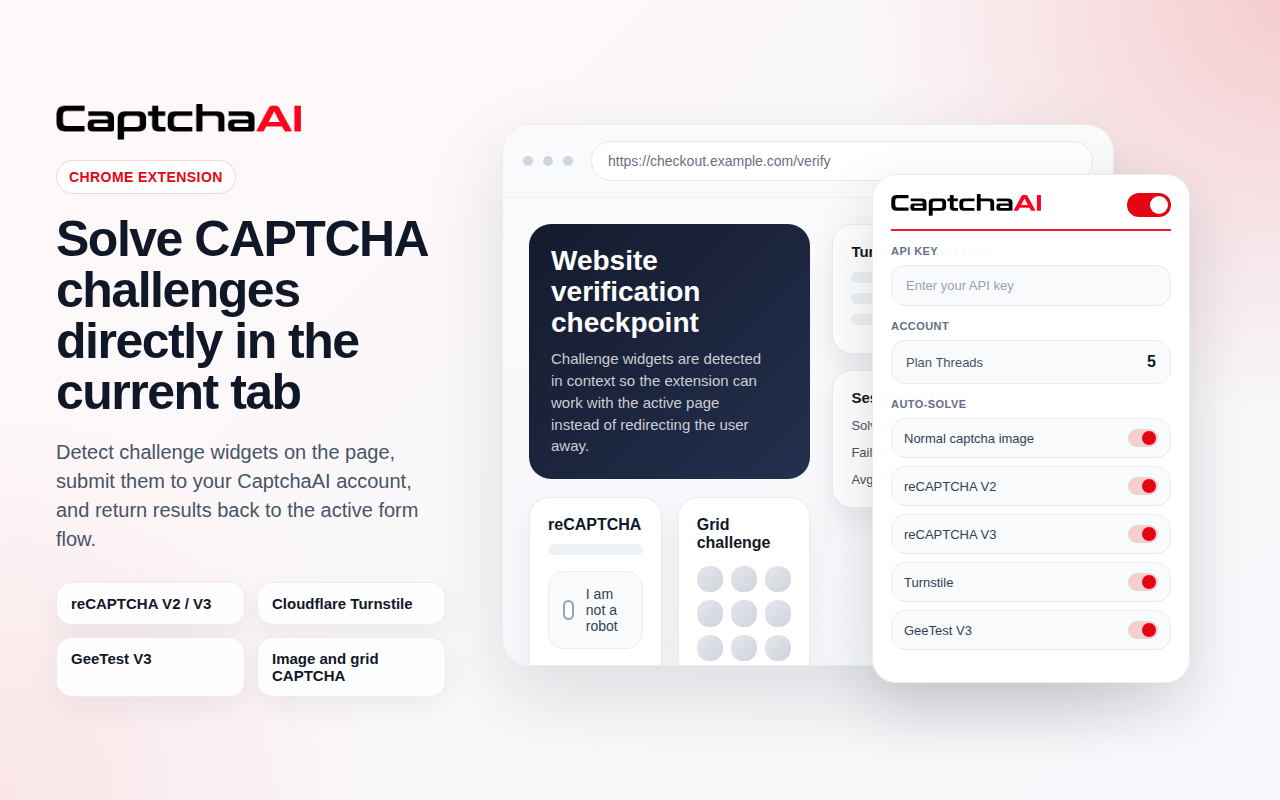
Use the CaptchaAI browser extension to solve Geetest v3 automatically in Chrome. No coding required. Connect your API key and enable auto-solving.

Geetest v3 solving is included in all subscription plans
Plans start from $15/month with unlimited solving under thread capacity.
View Full PricingUse Cases
Common workflows where automated GeeTest v3 solving helps handle protected verification steps across login, registration, and other high-friction user actions.
GeeTest v3 vs Image CAPTCHA
GeeTest v3 and Image CAPTCHA are both visual verification systems, but they differ in structure, interaction model, and solving flow. GeeTest v3 uses interactive challenge-based verification with a dynamic user experience, while Image CAPTCHA usually relies on reading, identifying, or solving a static image directly.
| Feature |
 GeeTest v3
|
 Image CAPTCHA
|
|---|---|---|
| Challenge Type | Interactive visual challenge | Static image-based verification |
| User Interaction | Complete slider or dynamic challenge flow | Read, identify, or enter the image answer |
| Structure | Standardized third-party challenge system | Often custom and non-standardized |
| Implementation Style | Challenge-response with required parameters | Direct answer extraction from image |
| Best For | Websites using GeeTest interactive verification | Custom image captchas, Solve Media, Facebook captchas, and similar formats |
If the target site uses a static image challenge instead of GeeTest interaction, use the Image CAPTCHA solver.
Use Image CAPTCHA SolverFAQ
Frequently Asked Questions
GeeTest v3 uses a behavioral challenge-response system that validates user interaction before granting access.
Submit the required challenge parameters and retrieve the validation token programmatically.
Verification may fail due to incorrect challenge values or expired session tokens.
GeeTest relies more heavily on interactive behavioral puzzles compared to Google’s risk-scoring models.
Need more help? Check CaptchaAI Help Center
Start Solving Geetest v3 Today
Unlimited Geetest v3 solving with fixed monthly pricing and scalable concurrency.
Bypass Geetest v3 reliably using our professional Geetest v3 solver API.