Grid Image Solver
High-accuracy solution for Grid Image captchas of any difficulty.
CaptchaAI provides a powerful Grid Image CAPTCHA solver for developers and automation systems. Easily solve grid image challenges and bypass reCAPTCHA image verification workflows with our grid image CAPTCHA solving service, offering fast responses and scalable concurrency.
- > 99% success rate
- Thread-based subscription
- Monthly subscription
- Per 1,000: As low as $0.0006
- No per-captcha billing

What is Grid Image Recognition?
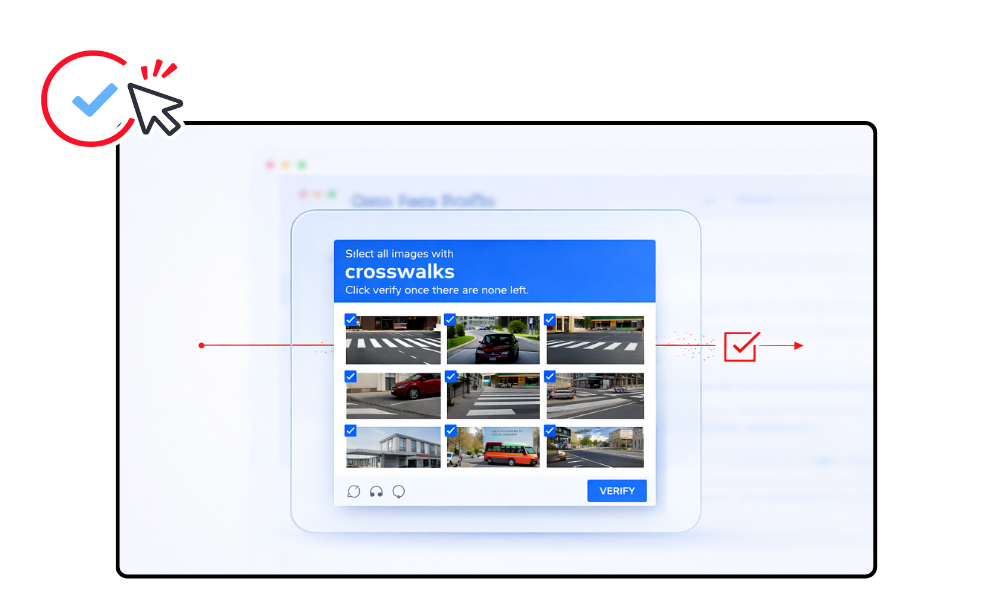
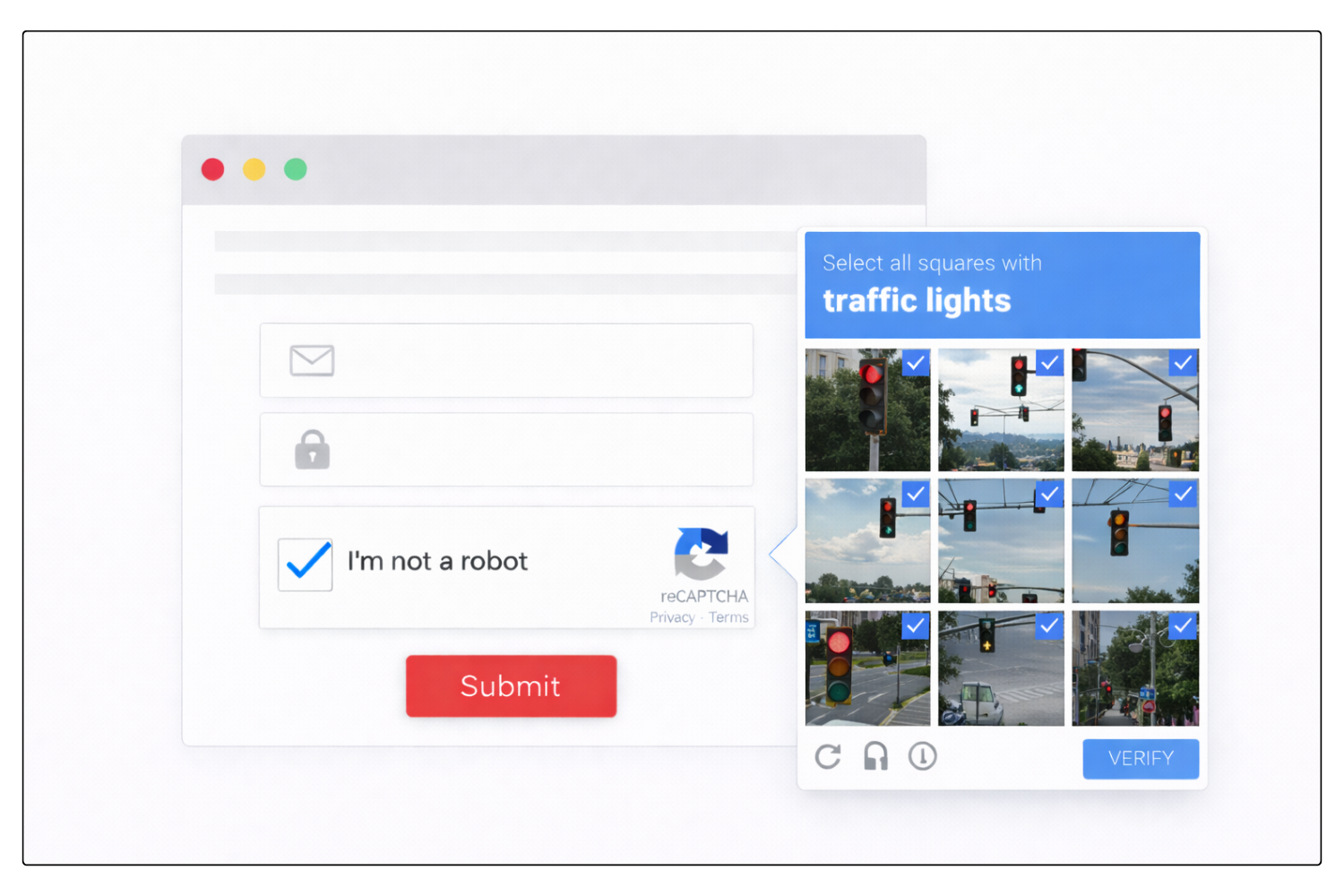
Grid Image CAPTCHA is commonly used within reCAPTCHA systems where users must select specific images from a grid, such as traffic lights, bicycles, buses, or crosswalks. These grid-based image challenges are designed to distinguish real users from automated bots and help protect website forms, login pages, and other sensitive workflows from abuse.
A professional Grid Image CAPTCHA solver allows automation systems to solve reCAPTCHA grid challenges and bypass reCAPTCHA image verification programmatically using an API. This makes it possible for bots, scripts, and browser automation tools to complete image-selection challenges efficiently and continue protected workflows without manual interaction.
How to Solve Grid Image CAPTCHA
CaptchaAI fully supports Grid Image CAPTCHA solving Our grid image solver enables you to solve reCAPTCHA image challenges
and bypass reCAPTCHA grid verification using a simple task submission process.
Step 1: Prepare the Image and Instruction
- Capture the full reCAPTCHA grid image (not cropped)
- Identify the instruction text (e.g., "crosswalks", "traffic lights", "cars")
- Determine grid size: 3×3 or 4×4
The grid cells are numbered in reading order:
3×3 Grid:          4×4 Grid:
1 2 3              1  2  3  4
4 5 6              5  6  7  8
7 8 9              9  10 11 12
                   13 14 15 16
Step 2: Submit the Task to CaptchaAI
Send a POST request to https://ocr.captchaai.com/in.php with the image file and instruction.
import requests

# Prepare the data
with open('grid_image.jpg', 'rb') as f:
    files = {'file': f}
    data = {
        'key': 'YOUR_API_KEY',
        'method': 'post',
        'grid_size': '3x3',
        'img_type': 'recaptcha',
        'instructions': 'crosswalks',
        'json': '1'
    }

    response = requests.post('https://ocr.captchaai.com/in.php', files=files, data=data)
    result = response.json()
    task_id = result['request']
Step 3: Retrieve the Solution
Wait 5 seconds, then poll for the result using a GET request to https://ocr.captchaai.com/res.php:
import time
import json

time.sleep(5)  # Wait 5 seconds

params = {
    'key': 'YOUR_API_KEY',
    'action': 'get',
    'id': task_id,
    'json': '1'
}

response = requests.get('https://ocr.captchaai.com/res.php', params=params)
result = response.json()

if result['status'] == 1:
    solution = json.loads(result['request'])  # e.g., [1, 3, 6, 9]
    print(f"Grid cells to click: {solution}")
Step 4: Apply the Solution
The response contains an array of cell indices that match the instruction. For example:
- [1, 3, 6, 9] means cells 1, 3, 6, and 9 contain the matching objects
- Click or select these cells in your automation script to complete the captcha
Developer Quick Start
Solve Grid Image Captcha Using CaptchaAI API
Integrate grid image captcha solving easily using the CaptchaAI API.
Use ready-to-run examples to automate grid-based verification challenges quickly.
Solve reCAPTCHA v2 Grid Image with CaptchaAI Extension
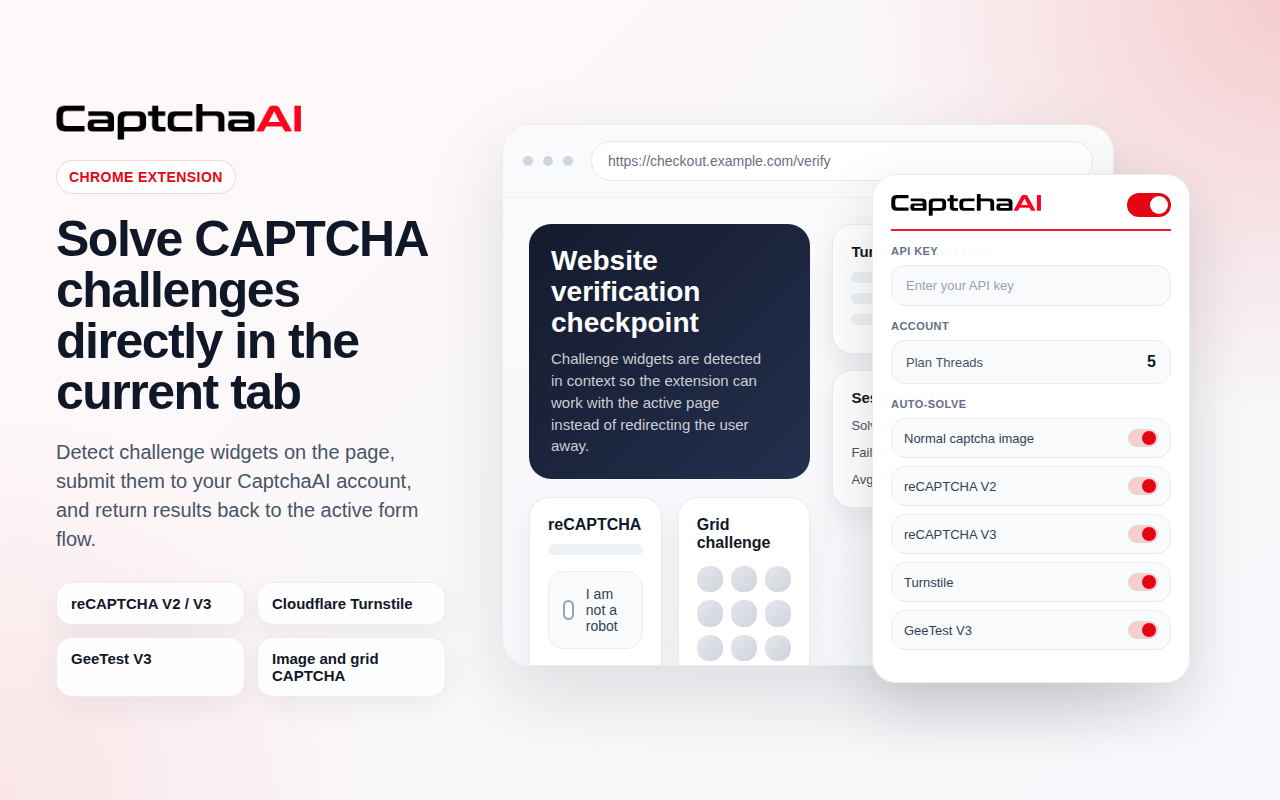
Use the CaptchaAI browser extension to solve reCAPTCHA v2 Grid Image automatically in Chrome. No coding required. Connect your API key and enable auto-solving.

Grid Image Captcha solving is included in all subscription plans
Plans start from $15/month with unlimited solving under thread capacity.
View Full PricingUse Cases
Common workflows where automated reCAPTCHA v2 Grid Image solving helps reduce friction and improve scalability.
Grid Image CAPTCHA vs reCAPTCHA v2
Grid Image CAPTCHA focuses specifically on image-tile selection challenges, while reCAPTCHA v2 is a broader verification system that can appear as a checkbox flow or trigger image-based challenges when extra validation is required.
| Feature |
 Grid Image CAPTCHA
|
 reCAPTCHA v2
|
|---|---|---|
| Challenge Type | Image-tile selection challenge | Checkbox flow or image challenge |
| User Interaction | Select matching images from a grid | Click checkbox, then solve challenge if triggered |
| Implementation Scope | Specific visual challenge format | Full Google verification system |
| Typical Trigger | Shown directly as the main verification step | May start with checkbox and escalate to image validation |
| Best For | Image-based verification workflows | Forms, logins, booking pages, protected web flows |
If the target site uses the full Google checkbox-based verification flow, use the reCAPTCHA v2 solver.
Use reCAPTCHA v2 SolverFAQ
Frequently Asked Questions
A Grid Image CAPTCHA is a verification method where users must select specific images from a grid based on a given instruction (e.g., “select all traffic lights”). It is widely used across different CAPTCHA systems to distinguish humans from bots.
Grid Image captchas can be solved by identifying required objects within the image grid and submitting the correct selection programmatically.
→ Read Full Guide: How to Solve Grid Image CAPTCHA Automatically
Yes. Grid image selection is a core part of Google reCAPTCHA v2, typically triggered when additional verification is required after the initial checkbox or risk analysis.
Failures may occur due to dynamic image refresh, incorrect object recognition, or expired verification sessions.
→ Read Full Guide: Common Grid Image CAPTCHA Errors and Fixes
Need more help? Check CaptchaAI Help Center
Start Solving Grid Image Today
Unlimited Grid Image solving with fixed monthly pricing and scalable concurrency.
Bypass reCAPTCHA v2 Grid Image reliably using our professional Grid Image method solver API.