reCAPTCHA v2 Solver
Lightning-fast reCAPTCHA v2 solution, efficiently handling high concurrency.
CaptchaAI is a powerful reCAPTCHA v2 solver for developers and automation systems. Easily solve reCAPTCHA v2 challenges and bypass reCAPTCHA v2 verification in checkbox and token-based implementations with our reCAPTCHA v2 solving service, offering stable token generation and predictable scaling.
- > 99.5% success rate
- Thread-based subscription
- Monthly subscription
- Per 1,000: As low as $0.05
- No per-captcha billing

What is reCAPTCHA v2?
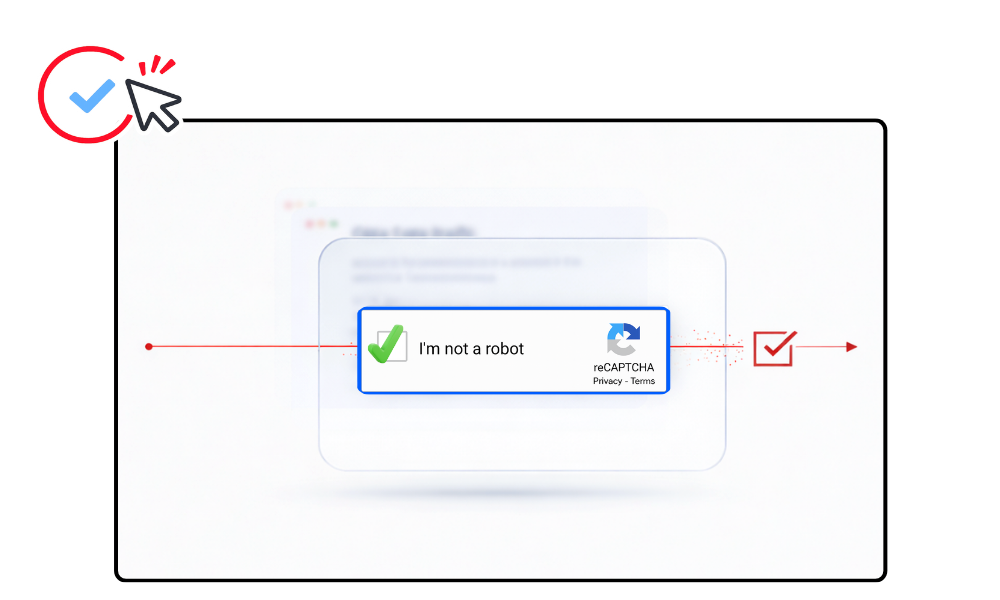
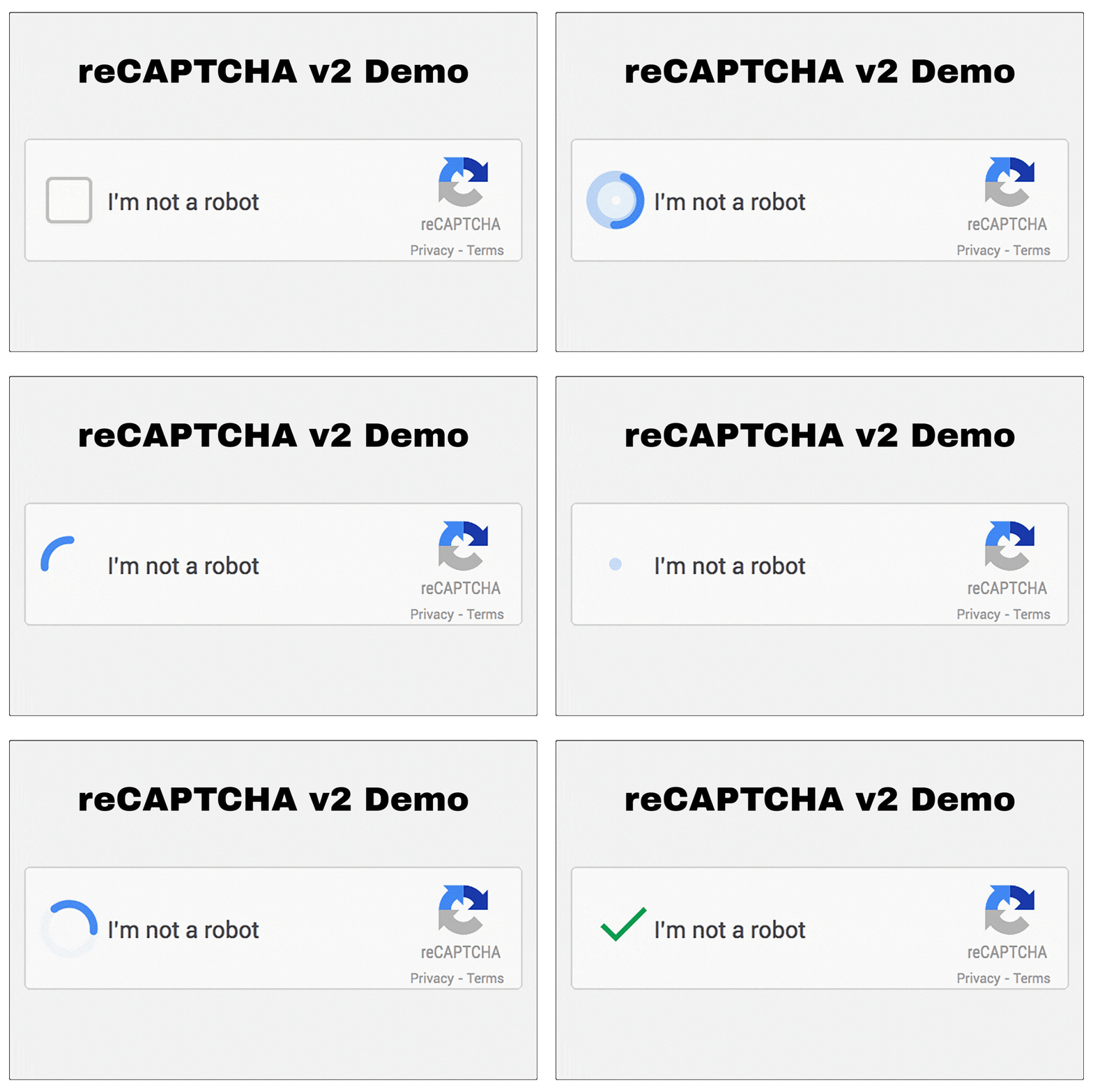
reCAPTCHA v2 is a Google verification system used to prevent automated access to websites. It appears as a checkbox challenge or image selection task. A professional reCAPTCHA v2 solver enables developers to bypass reCAPTCHA v2 programmatically using a token-based API solution.
How to Solve reCAPTCHA V2
CaptchaAI provides automated reCAPTCHA v2 solving through a simple API workflow.
You can solve reCAPTCHA v2 using the API or Chrome Extension.
Step 1: Locate the Site Key
Step 2: Submit the Task to CaptchaAI
Send a GET request to https://ocr.captchaai.com/in.php with the sitekey and page URL:
import requests

# Submit the captcha task
params = {
    'key': 'YOUR_API_KEY',
    'method': 'userrecaptcha',
    'googlekey': '6Le-wvkSVVABCPBMRTvw0Q4Muexq1bi0DJwx_mJ-',
    'pageurl': 'https://example.com/page',
    'json': '1'
}

response = requests.get('https://ocr.captchaai.com/in.php', params=params)
result = response.json()
task_id = result['request']
print(f"Task ID: {task_id}")
Step 3: Retrieve the Solution
Wait 15-20 seconds, then poll for the result using a GET request to https://ocr.captchaai.com/res.php:
import time

time.sleep(15)  # Wait 15 seconds

params = {
    'key': 'YOUR_API_KEY',
    'action': 'get',
    'id': task_id,
    'json': '1'
}

response = requests.get('https://ocr.captchaai.com/res.php', params=params)
result = response.json()

if result['status'] == 1:
    token = result['request']
    print(f"Solution Token: {token}")
Step 4: Inject the Token
Inject the token into the g-recaptcha-response field and submit the form:
# Using Selenium
from selenium import webdriver

driver = webdriver.Chrome()
driver.get('https://example.com/page')

# Inject the token
driver.execute_script(f'document.getElementById("g-recaptcha-response").innerHTML = "{token}";')

# Submit the form
driver.find_element_by_id('recaptcha-form').submit()
Developer Quick Start
Solve reCAPTCHA v2 Using CaptchaAI API
Integrate reCAPTCHA v2 solving easily using the CaptchaAI API.
Use ready-to-run examples to start automating your verification flow in minutes.
Solve reCAPTCHA v2 with CaptchaAI Extension
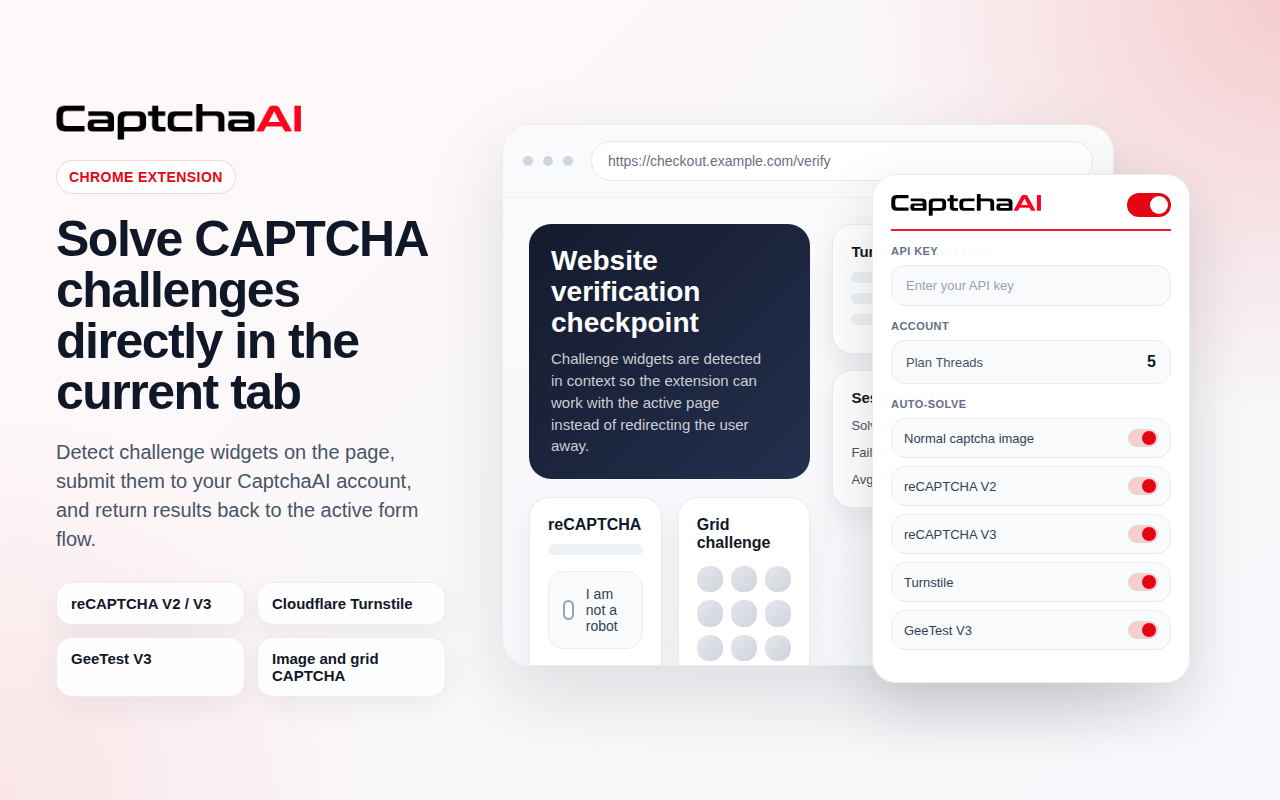
Use the CaptchaAI browser extension to solve reCAPTCHA v2 automatically in Chrome. No coding required. Connect your API key and enable auto-solving.

reCAPTCHA v2 solving is included in all subscription plans
Plans start from $15/month with unlimited solving under thread capacity.
View Full PricingUse Cases
Common workflows where automated reCAPTCHA v2 solving helps reduce friction and improve scalability.
reCAPTCHA v2 vs reCAPTCHA v2 Enterprise
While both versions use the classic checkbox flow, reCAPTCHA v2 Enterprise includes enhanced security analytics and Enterprise-specific configuration.
| Feature |
 reCAPTCHA v2 (Standard)
|
 reCAPTCHA v2 Enterprise
|
|---|---|---|
| Verification Flow | Checkbox + image challenge | Checkbox + enterprise risk evaluation |
| Security Level | Standard website protection | Enterprise-grade adaptive analytics |
| API Configuration | Standard request | Requires enterprise=1 parameter |
| Risk Analysis | Basic validation | Advanced behavioral analysis |
| Best For | Forms, login pages, booking systems | Enterprise platforms, financial systems |
If the target site uses Enterprise configuration, use the Enterprise solver.
Use reCAPTCHA v2 Enterprise SolverNeed to solve reCAPTCHA image tile challenges instead? Use the Grid Image Solver
FAQ
Frequently Asked Questions
You can solve reCAPTCHA v2 by submitting the sitekey and page URL to the API and retrieving a valid verification token.
→ Read Full Guide: How to Solve reCAPTCHA v2 Using API (Step-by-Step)
Web scraping workflows can integrate automated token generation to bypass reCAPTCHA v2 challenges efficiently.
→ Read Full Guide: How to Handle reCAPTCHA v2 in Web Scraping Workflows
Enterprise implementations require specific configuration parameters such as enterprise mode in the API request.
→ Read Full Guide: How to Identify reCAPTCHA Version (v2 vs Enterprise)
Failures may occur due to incorrect sitekey, invalid parameters, or mismatch between standard and Enterprise configuration.
→ Read Full Guide: Common reCAPTCHA v2 Solving Errors and Fixes
Need more help? Check CaptchaAI Help Center
Start Solving reCAPTCHA v2 Today
Unlimited reCAPTCHA v2 solving with fixed monthly pricing and scalable concurrency.
Bypass reCAPTCHA v2 reliably using our professional reCAPTCHA v2 solver API.