Invisible reCAPTCHA v2 Solver
Efficiently bypass invisible reCAPTCHA without user interaction.
CaptchaAI is a reliable Invisible reCAPTCHA solver for developers and automation systems. Easily solve Invisible reCAPTCHA challenges and bypass Invisible reCAPTCHA verification in background workflows with our Invisible reCAPTCHA solving service, offering stable token generation and predictable scaling.
- > 99% success rate
- Thread-based subscription
- Monthly subscription
- Per 1,000: As low as $0.02
- No per-captcha billing

What is Invisible reCAPTCHA v2?
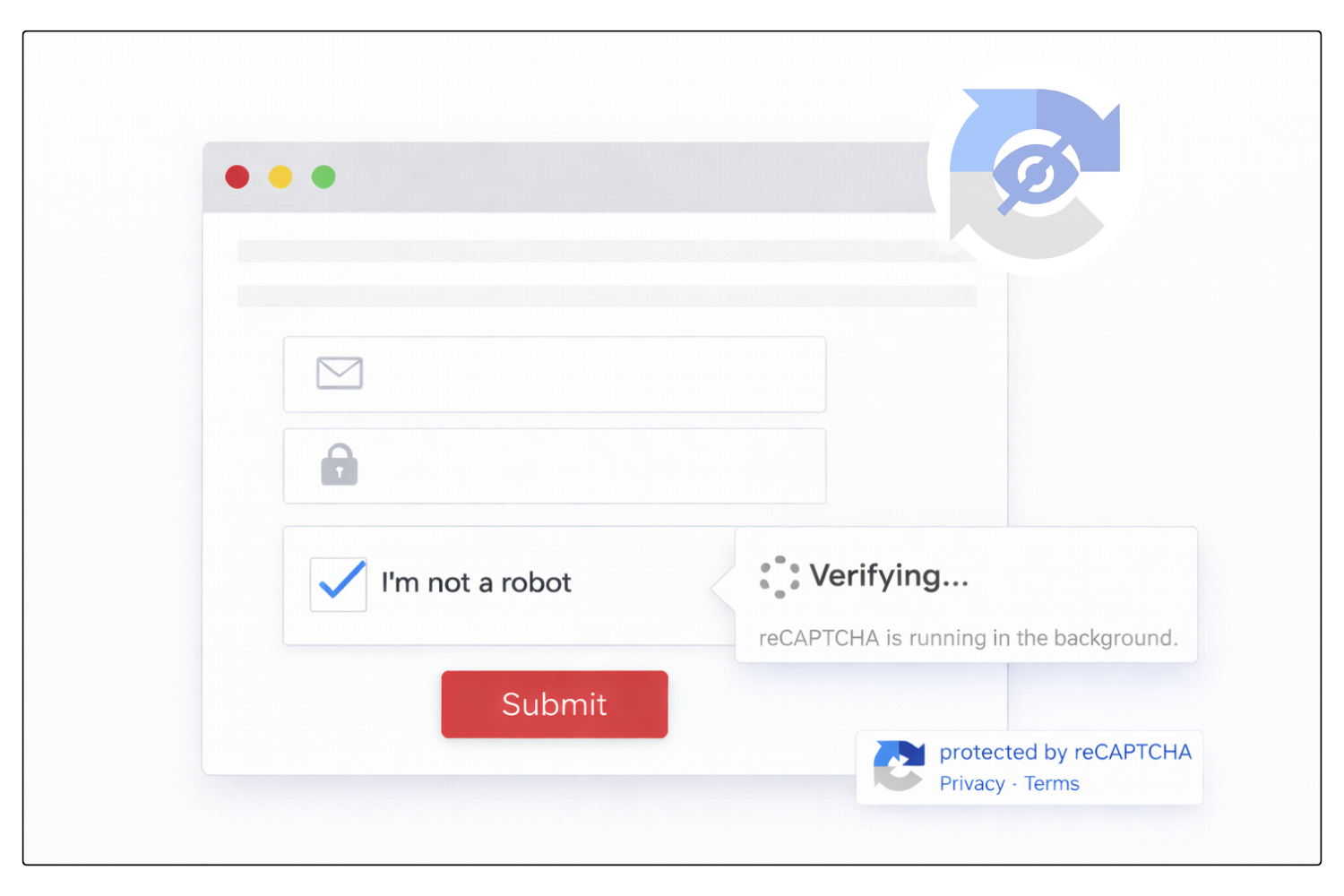
Invisible reCAPTCHA v2 is a Google verification method designed to protect websites without displaying the traditional “I’m not a robot” checkbox. Instead, the verification is triggered automatically when a user performs an action such as submitting a form, logging in, or completing another sensitive action. In most cases, users do not see any challenge unless the system detects suspicious behavior. This allows websites to maintain strong protection while minimizing visible friction in the user experience.
For automation systems, an Invisible reCAPTCHA v2 solver is often required to handle this type of verification programmatically. It enables automated tools to obtain a valid verification token and complete actions on websites that use Invisible reCAPTCHA v2 protection.
How to Solve Invisible reCAPTCHA V2
CaptchaAI provides automated Invisible reCAPTCHA v2 solving for developers and automation systems.
Our Invisible reCAPTCHA v2 solver allows you to solve Invisible reCAPTCHA v2 and bypass Invisible reCAPTCHA v2 verification using a simple API workflow.
- Locate the Site Key and Page URL
- Submit the task
- Receive a task ID and wait 15–20 seconds.
- Poll for the result
- Apply the token based on the site’s implementation:
- Standard injection (most common):
document.getElementById("g-recaptcha-response").innerHTML = "TOKEN_FROM_CAPTCHAAI";- Callback-based execution (if the site uses one):
// Replace `onVerify` with the actual callback name
onVerify("TOKEN_FROM_CAPTCHAAI");
6. Trigger the protected action (e.g., form submission, button click) immediately after token injection.
Developer Quick Start
Solve Invisible reCAPTCHA v2 Using CaptchaAI API
Integrate Invisible reCAPTCHA v2 solving easily using the CaptchaAI API.
Use ready-to-run examples to automate hidden verification flows in minutes.
Solve Invisible reCAPTCHA v2 with CaptchaAI Extension
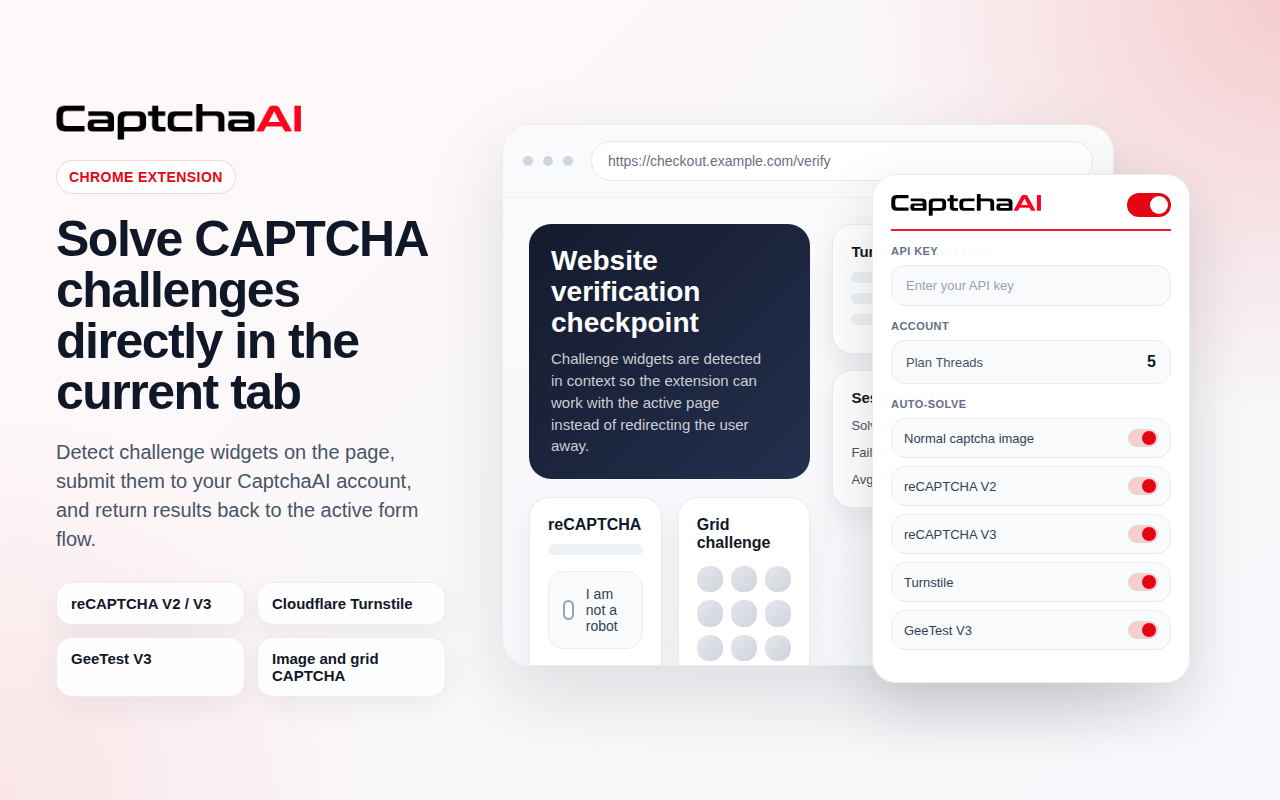
Use the CaptchaAI browser extension to solve Invisible reCAPTCHA v2 automatically in Chrome. No coding required. Connect your API key and enable auto-solving.

Invisible reCAPTCHA v2 solving is included in all subscription plans
Plans start from $15/month with unlimited solving under thread capacity.
View Full PricingUse Cases
Common workflows where automated Invisible reCAPTCHA v2 solving helps reduce friction and improve scalability.
Invisible reCAPTCHA v2 vs reCAPTCHA v2
Both versions belong to reCAPTCHA v2, but Invisible reCAPTCHA v2 removes the visible checkbox and verifies users automatically when they perform an action.
| Feature |
 Invisible reCAPTCHA v2
|
 reCAPTCHA v2 (Checkbox)
|
|---|---|---|
| Verification Flow | Verification is triggered automatically when the user submits a form or performs an action | User must click the "I'm not a robot" checkbox before verification |
| User Interaction | No visible checkbox required | Requires visible checkbox interaction |
| Challenge Display | Challenge appears only if suspicious behavior is detected | Image challenge appears after clicking the checkbox when needed |
| User Experience | Seamless verification with minimal friction | Adds an extra step in the user flow |
| Implementation | Triggered through form submission or button actions | Implemented as a visible checkbox widget |
| Best For | Modern forms, login pages, and seamless user flows | Websites that require explicit human verification |
If the target site uses the standard checkbox flow, use the reCAPTCHA v2 solver.
Use reCAPTCHA v2 SolverFAQ
Frequently Asked Questions
reCAPTCHA Invisible verifies users in the background without requiring checkbox interaction, triggering challenges only when risk is detected.
→ Read Full Guide: How reCAPTCHA Invisible Works and How to Solve It
You can solve Invisible reCAPTCHA v2 by submitting the sitekey and page URL through API and retrieving a valid verification token.
→ Read Full Guide: How to Solve reCAPTCHA Invisible Using API
Failures may occur due to incorrect parameters, domain mismatch, or Enterprise configuration conflicts.
→ Read Full Guide: Common reCAPTCHA Invisible Errors and Fixes
Invisible reCAPTCHA v2 runs without visible checkbox interaction but follows similar verification logic to v2.
→ Read Full Guide: reCAPTCHA v2 vs Invisible reCAPTCHA Explained
Need more help? Check CaptchaAI Help Center
Start Solving Invisible reCAPTCHA v2 Today
Unlimited Invisible reCAPTCHA v2 solving with fixed monthly pricing and scalable concurrency.
Bypass Invisible reCAPTCHA v2 reliably using our professional Invisible reCAPTCHA v2 solver API.